 Giga Useful Tools
How to merge several PDFs into one, free and with nothing to install
Combine several PDF files in whatever order you want, right in your browser, with nothing to install and no account needed.
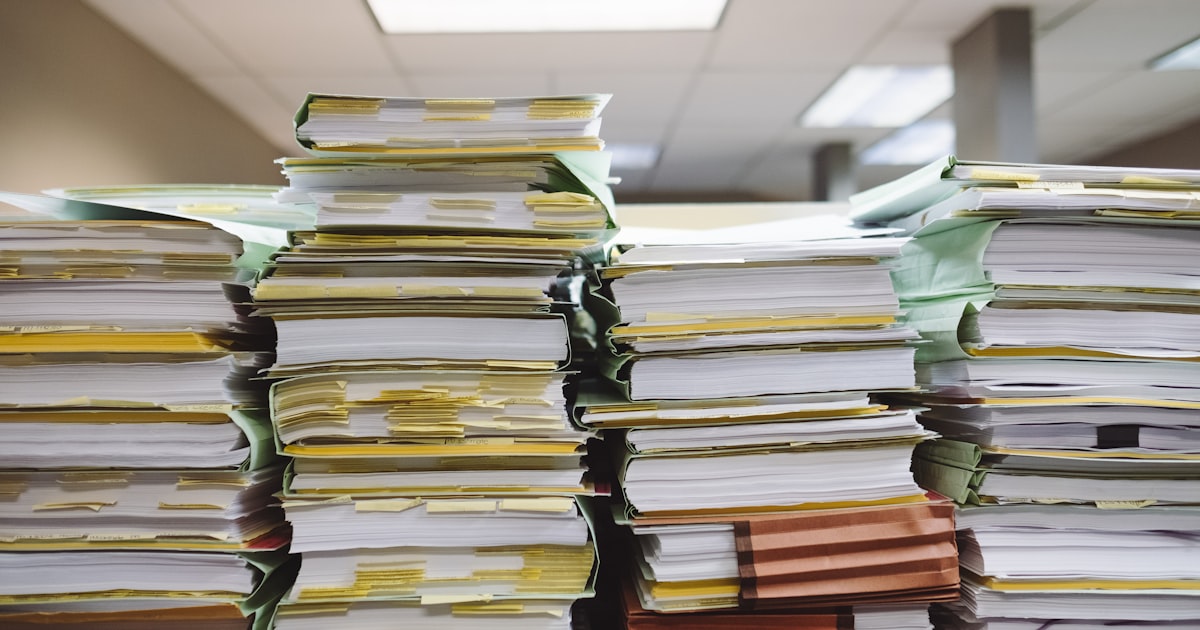
You've got the scanned contract in one PDF, the payment receipt in another, and an ID document in a third, and you're asked to send them all together as a single file. It's one of those small tasks that shows up out of nowhere and, without the right tool, ends up eating more time than it should.
Why merging PDFs by hand is so annoying
The traditional way to solve this, a full copy of Adobe Acrobat, is a paid tool built for professional editing, not a thirty-second task. An equally tempting and equally bad option is printing every PDF and scanning them back in together, which wastes time and makes the page quality worse on top of it.
How to merge your PDFs in a few seconds
The PDF merge tool does exactly this: it combines several files into one, in whatever order you pick, with nothing to install.
- Drop two or more PDFs onto the page, or click to choose them (repeat to add more).
- Reorder the files with the up and down arrows until they're in the order you need.
- Remove any file you don't want with the X.
- Click "Merge and download" to get the combined PDF.
Your original files stay untouched
Pages are copied as-is into the new file, so text, images and vectors come out identical to the source. The PDFs you upload are never modified, only a new merged file gets created, and the whole process happens locally in your browser: nothing gets uploaded to a server.
This tool is part of a bigger set built to solve exactly this kind of task fast. If you later need to split a PDF apart instead of merging it, or anything else with files, images, or text, Giga Useful Tools has them all together.