 Giga Useful Tools
How to remove the background from a photo for free, no install
Two ways to cut the background out of an image without uploading anything: automatic AI or manual selection, and when to use each.
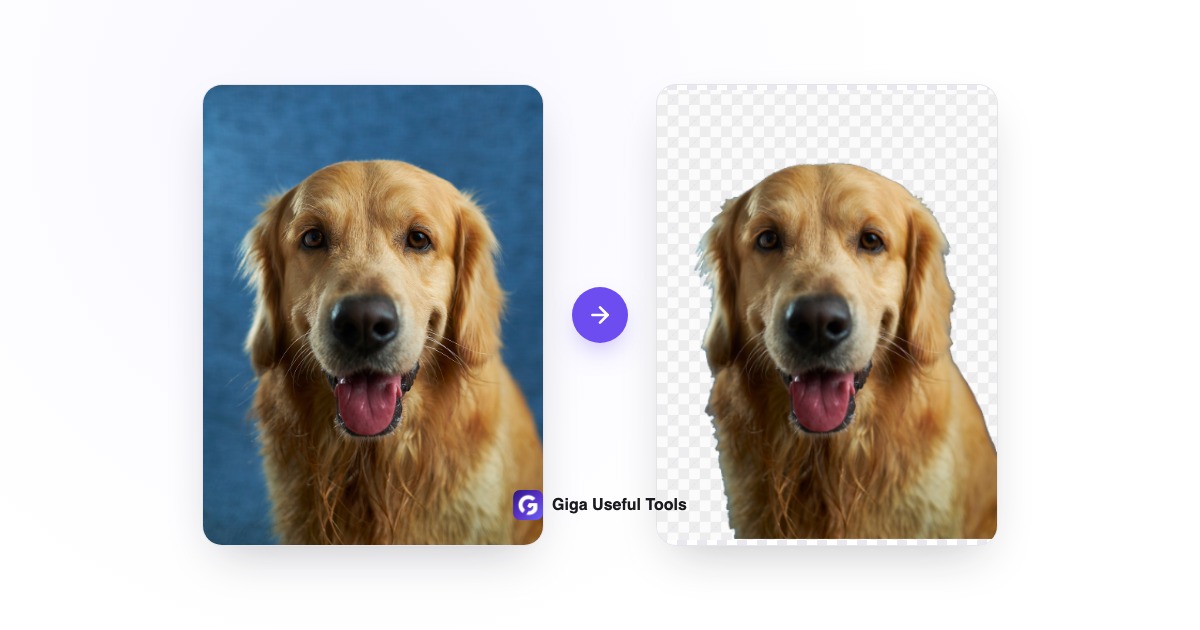
Removing a photo's background used to mean opening Photoshop, wrestling with the lasso or pen tool, and losing ten minutes per image. Today a browser is enough: the cut-out happens right there, in a few seconds, with nothing to install.
Why most background removers aren't actually free
Most well-known services let you process the image for free, but only hand back a low-resolution preview: downloading the full-quality PNG needs a subscription or credits. Others slap a watermark on the result instead. It's a reasonable business model, but if you just need to solve one thing (a profile picture, a product photo, a sticker) it's friction you don't need.
Two ways to do it, depending on the photo
Giga Useful Tools' background remover has two modes. Automatic runs an AI model right in your browser and cuts out the subject with one click: it works great when the photo has a clear subject, like a person, a pet, or a product on a simple background. Manual gives you a rectangle or a freehand lasso to trace the area yourself.
- Drag the photo onto the page or click to upload it.
- Pick Automatic for a one-click cut-out, or Manual to trace it yourself.
- In automatic mode, drag the threshold slider if the edges look rough.
- Download the PNG with a transparent background.
When is manual mode better than automatic?
Automatic mode is great at picking out a clear subject, but on photos with a busy background (a cluttered desk, for example) it can struggle to tell subject from clutter. That's where manual mode's lasso selection gives you precise control, since you trace the exact edge yourself instead of relying on the model to guess it.
Your photo never leaves your computer
All processing happens in your own browser. In automatic mode, the AI model downloads once (you'll see a progress bar), but the photo itself is processed by a local script running in the background and never gets sent to a server. Manual mode doesn't even need to download anything extra and works offline once the page has loaded.
This is one of several tools for working with images without installing anything. If you need something different, the Giga Useful Tools homepage has all of them together, sorted by category.