 Giga Useful Tools
How to create a genuinely secure password
What actually makes a password hard to guess, and why real randomness matters more than any rule about capital letters and symbols.
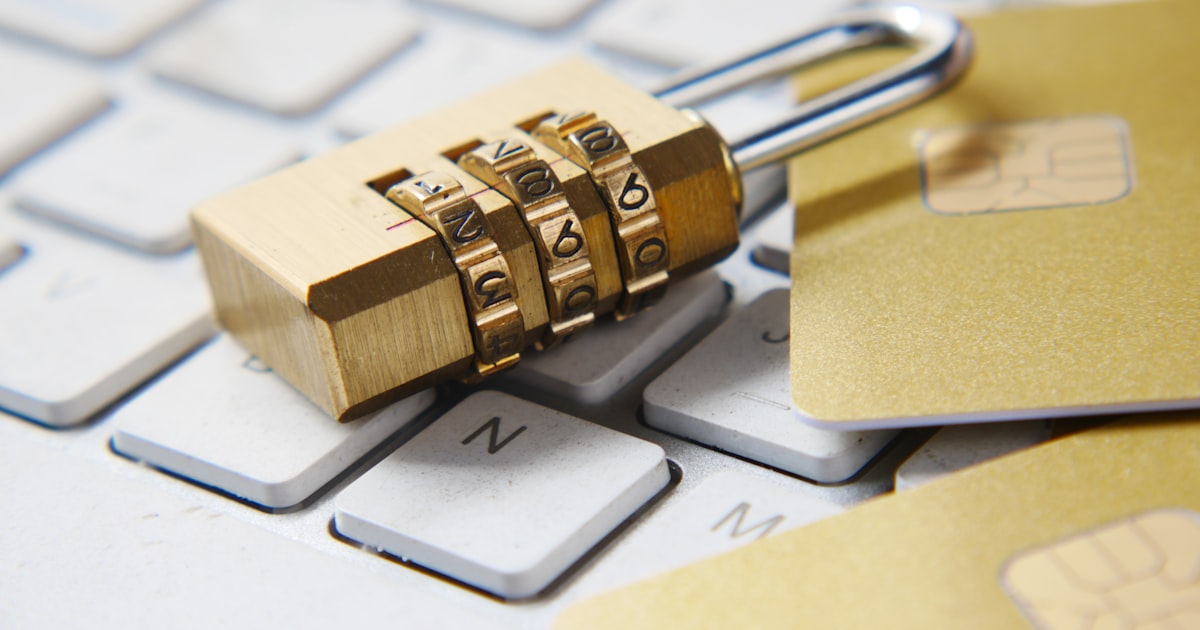
"Add a number and a symbol" is the most repeated security advice out there, and also one of the least useful on its own. Swapping "password" for "Password1!" is still a weak password, because someone testing variations of common words guesses it almost as fast.
What actually makes a password strong
Two things matter far more than any formatting rule: length and how genuinely random it is. A long, truly random password, even one using only lowercase letters, is usually harder to brute-force than a short one with symbols that's based on a recognizable word.
Why "random" doesn't always mean the same thing
Many password generators, even some well-known ones, use JavaScript's Math.random() under the hood: a function built for games and animations, not security, and one that's theoretically predictable. Giga Useful Tools' generator uses the Web Crypto API (crypto.getRandomValues), the same cryptographically secure source browsers use to generate encryption keys.
- Drag the slider to set the length, from 6 to 48 characters.
- Check or uncheck lowercase, uppercase, numbers and symbols depending on what the site you're using accepts.
- A new password generates automatically. Click the refresh icon anytime for another one.
- Copy it with one click and you're done.
How long is long enough
As a quick reference, the slider maxed out (48 characters) with all four character types enabled is practically impossible to brute-force with current technology. For something you need to memorize by hand, aim for at least 16 characters mixing types.
This generator runs entirely in your browser: the password never travels over the network. It's one of several tools like this available for free at Giga Useful Tools.